
There are many doors in MalisisDoors, including customizable ones, others that have their own animation and unique sounds.
When you put 2 Minecraft or MalisisDoor doors side by side, they are both open if you operate one.
The doors
We start with the Glass Doors which are made of wood or iron.
They have no special features except being largely transparent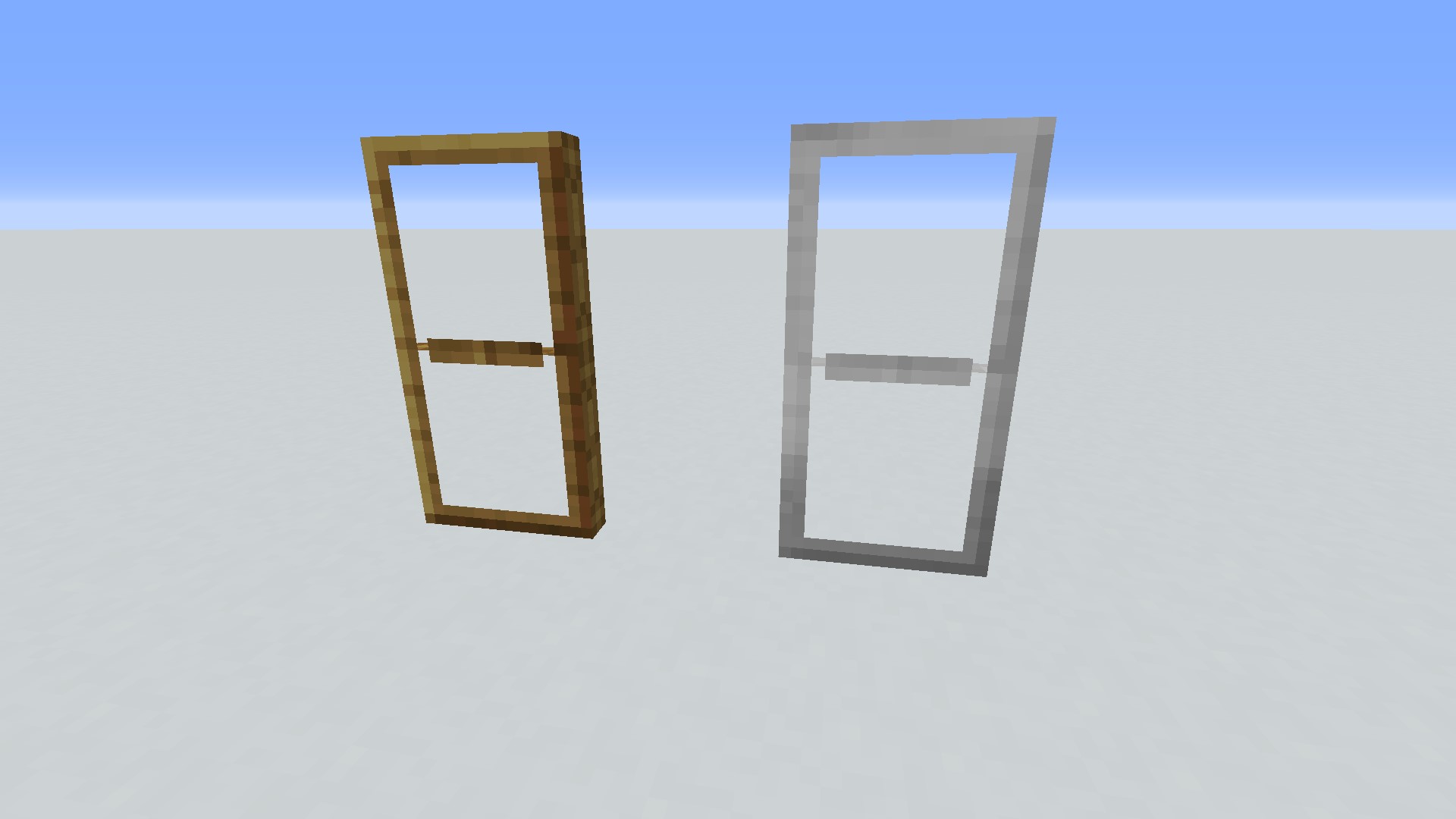
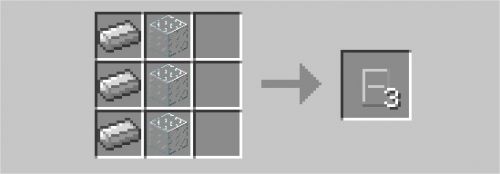
They are crafted with 3 and 3 or 3:

Then the curtains (Curtain) with different colors, which will suit windows very well, given their opening. Just click on it and they will fold to the side.
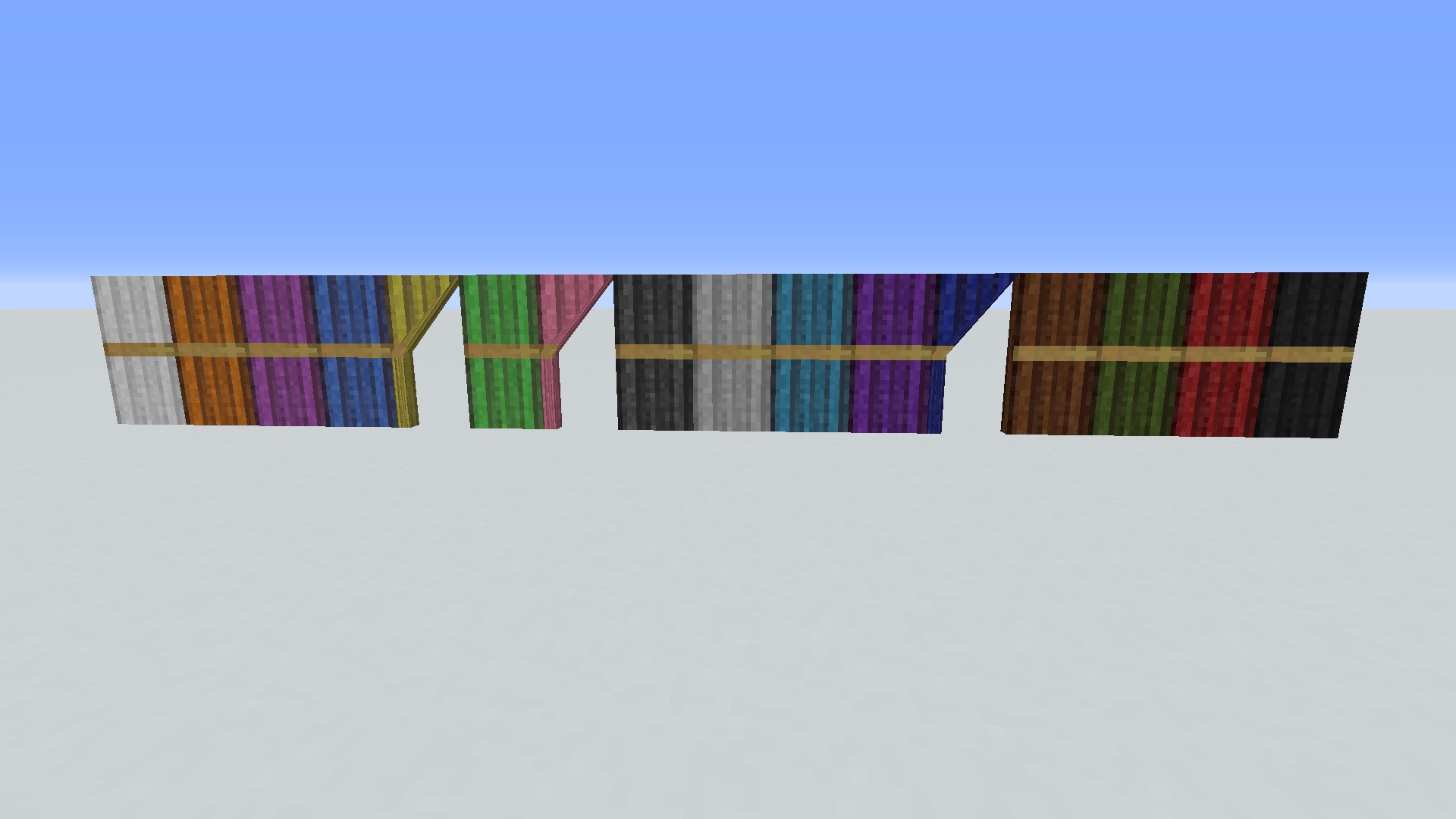
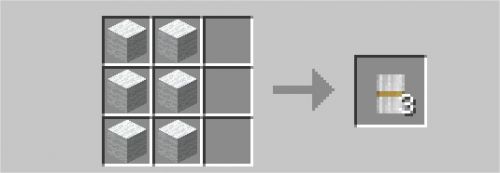
You just have to change the color of the 6 of the craft to get another curtain:
The prison door (Jail Door), opens by redstone current.
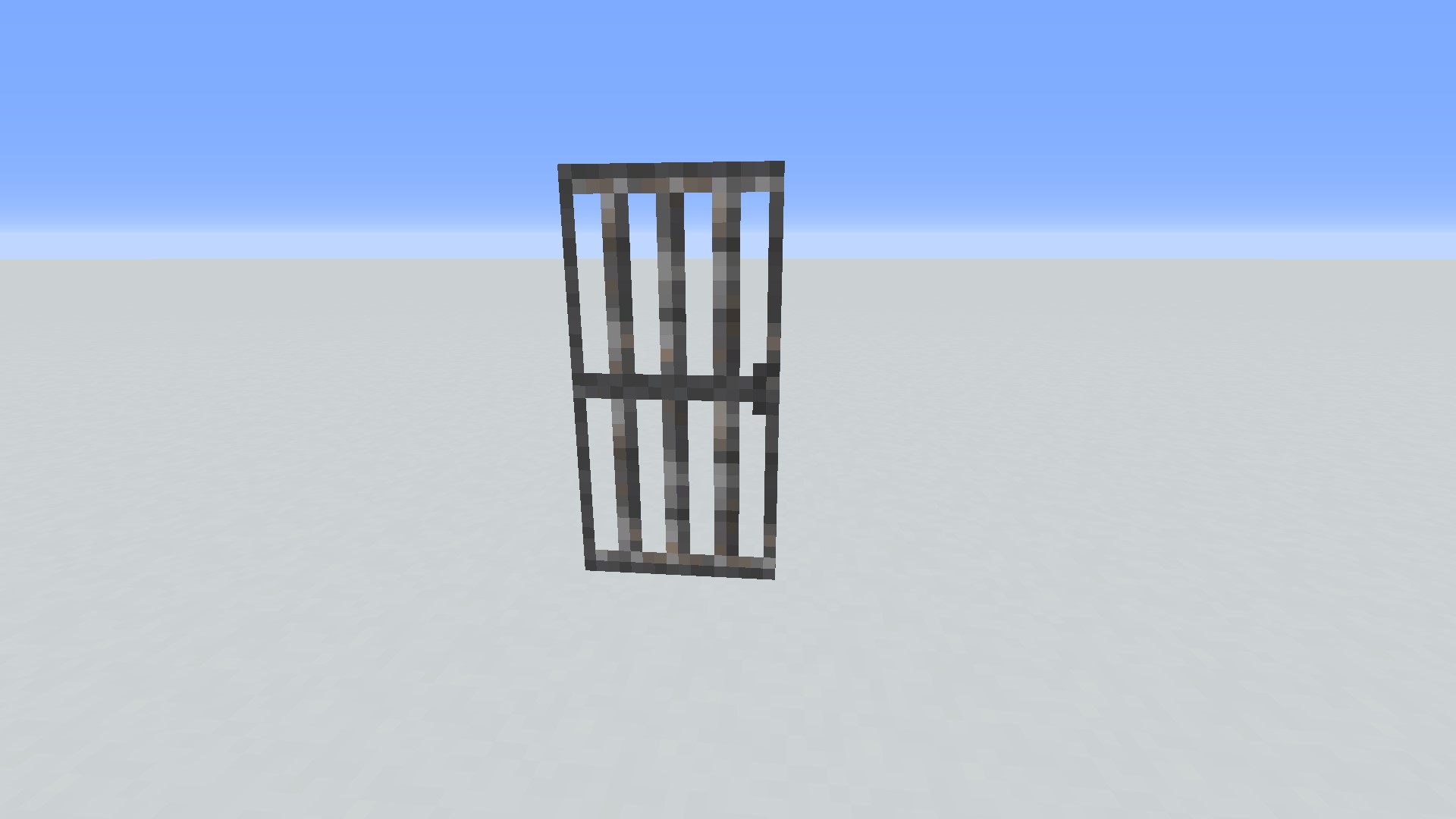
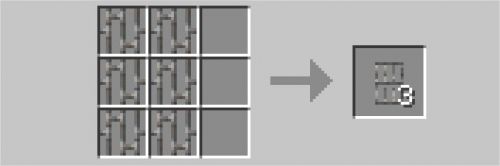
It breaks with 6:
The Laboratory Door slides up, and I advise you to use a current of redstone to bring it down.

It is crafted with 2 and 4 iron ingots:

The Factory Door, which splits in half when opened. It can be opened by hand.
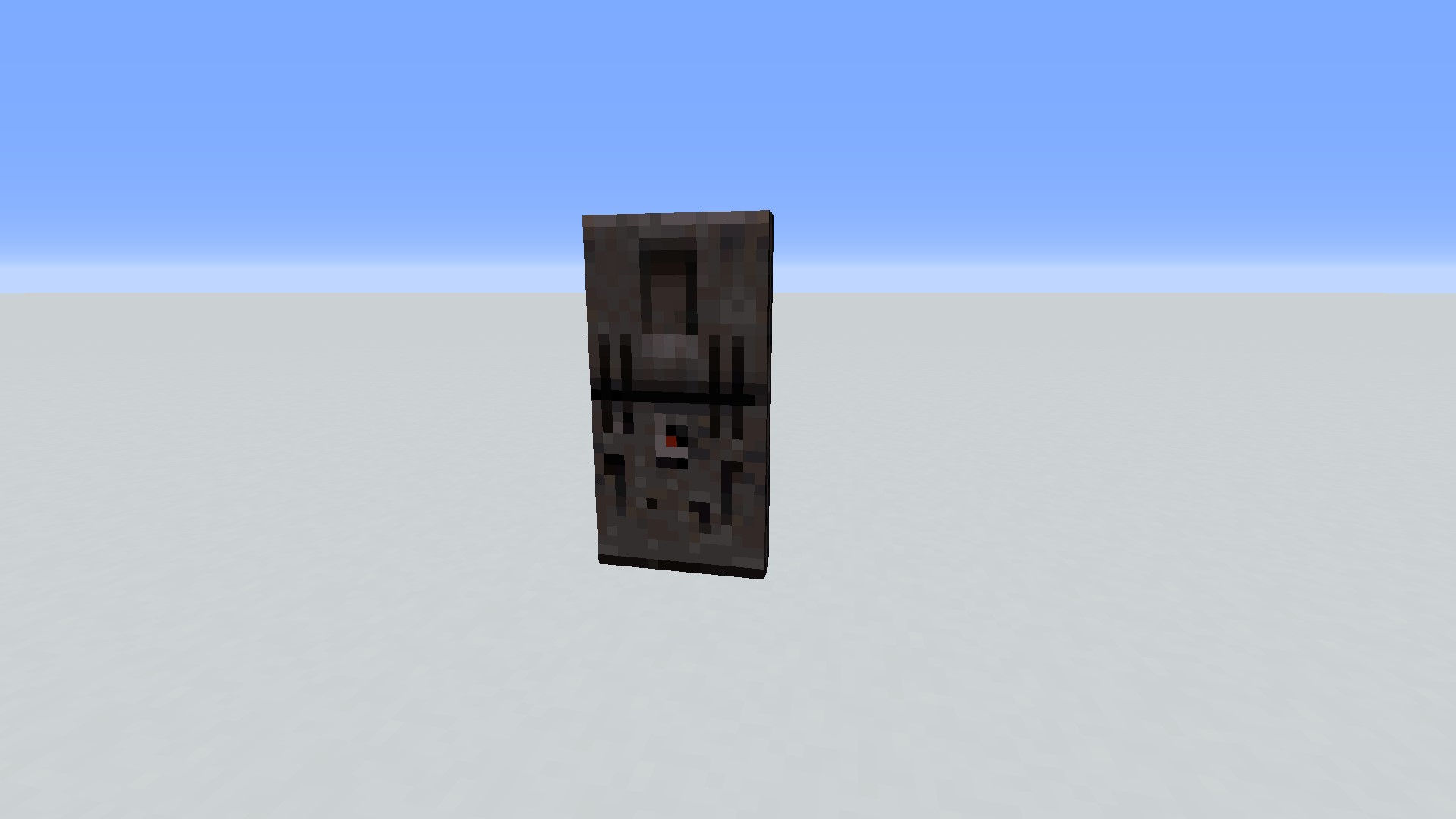
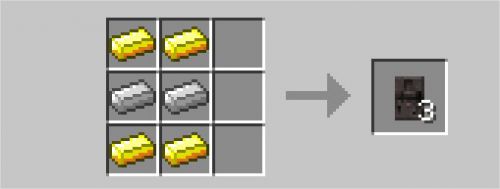
It is created with 4 gold bars and 2 iron bars:
The Japanese door (Shoji Door), with the door sliding on the side.
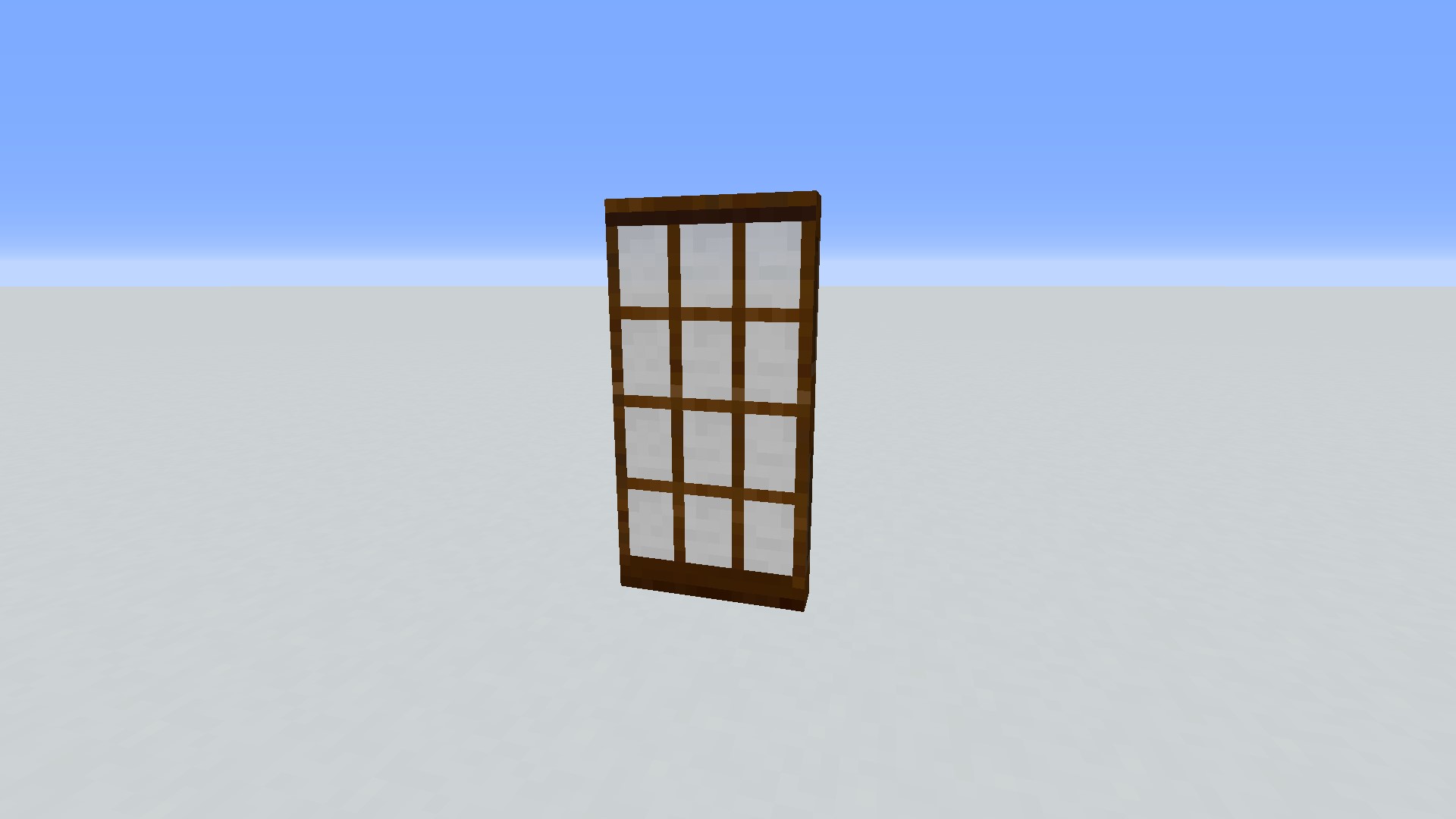
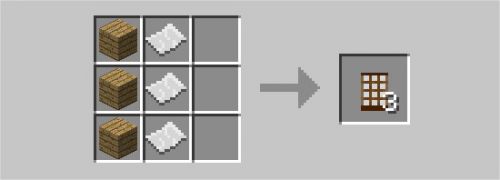
It is craftable in 3 copies with 3 boards and 3:
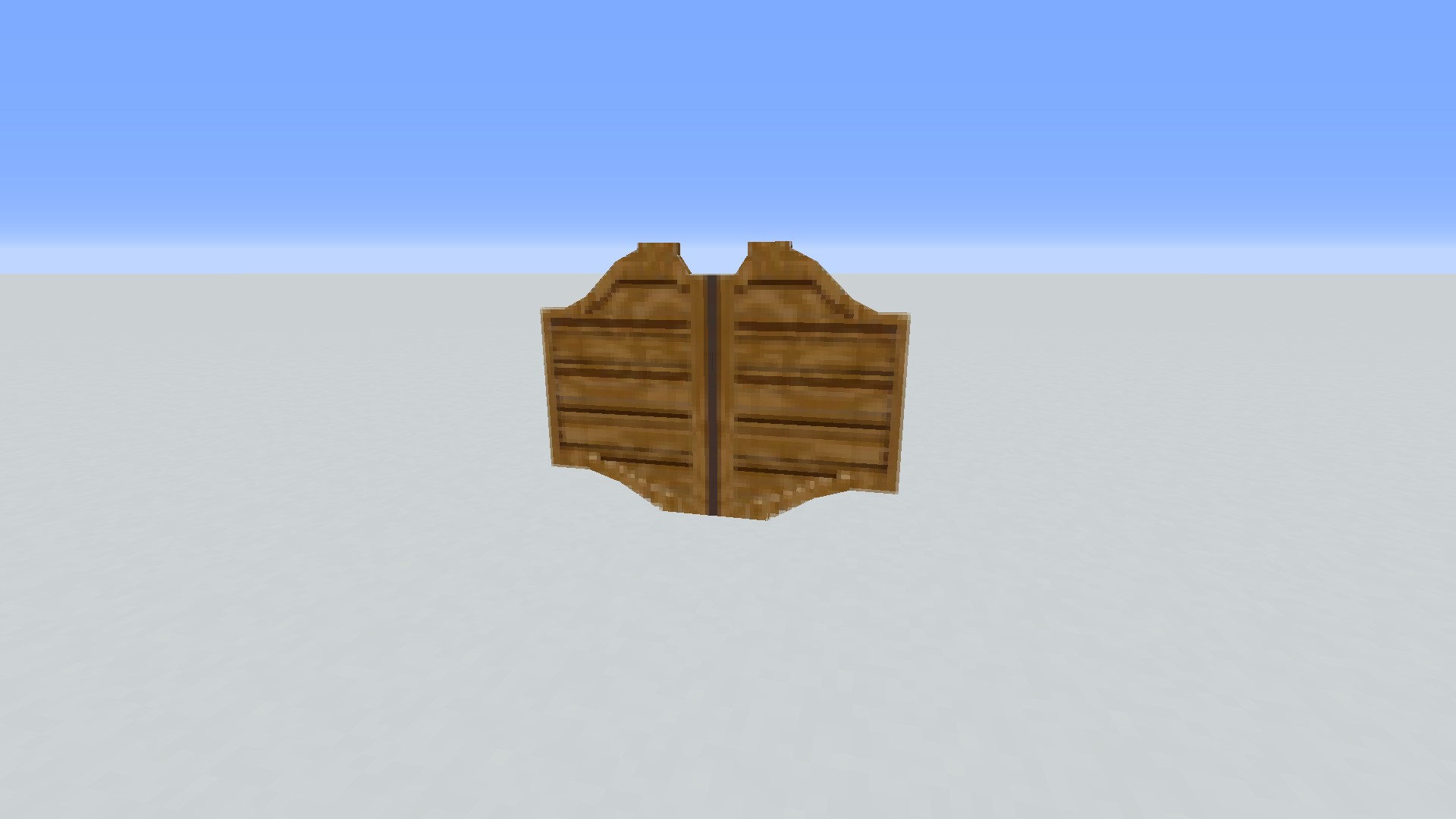
The Saloon Door, through which you simply walk in.
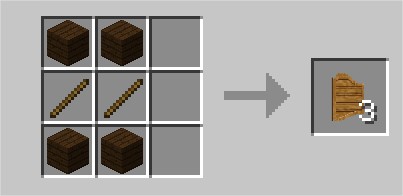
It is crafted with 4 boards and 2:
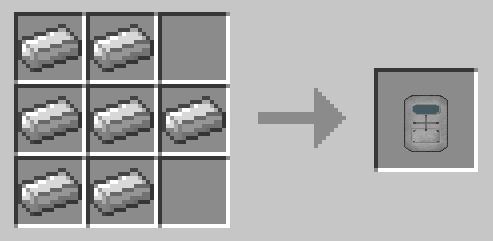
The armored door (Reinforced Door), with a fairly long but well done animation, where the crank turns in the middle.
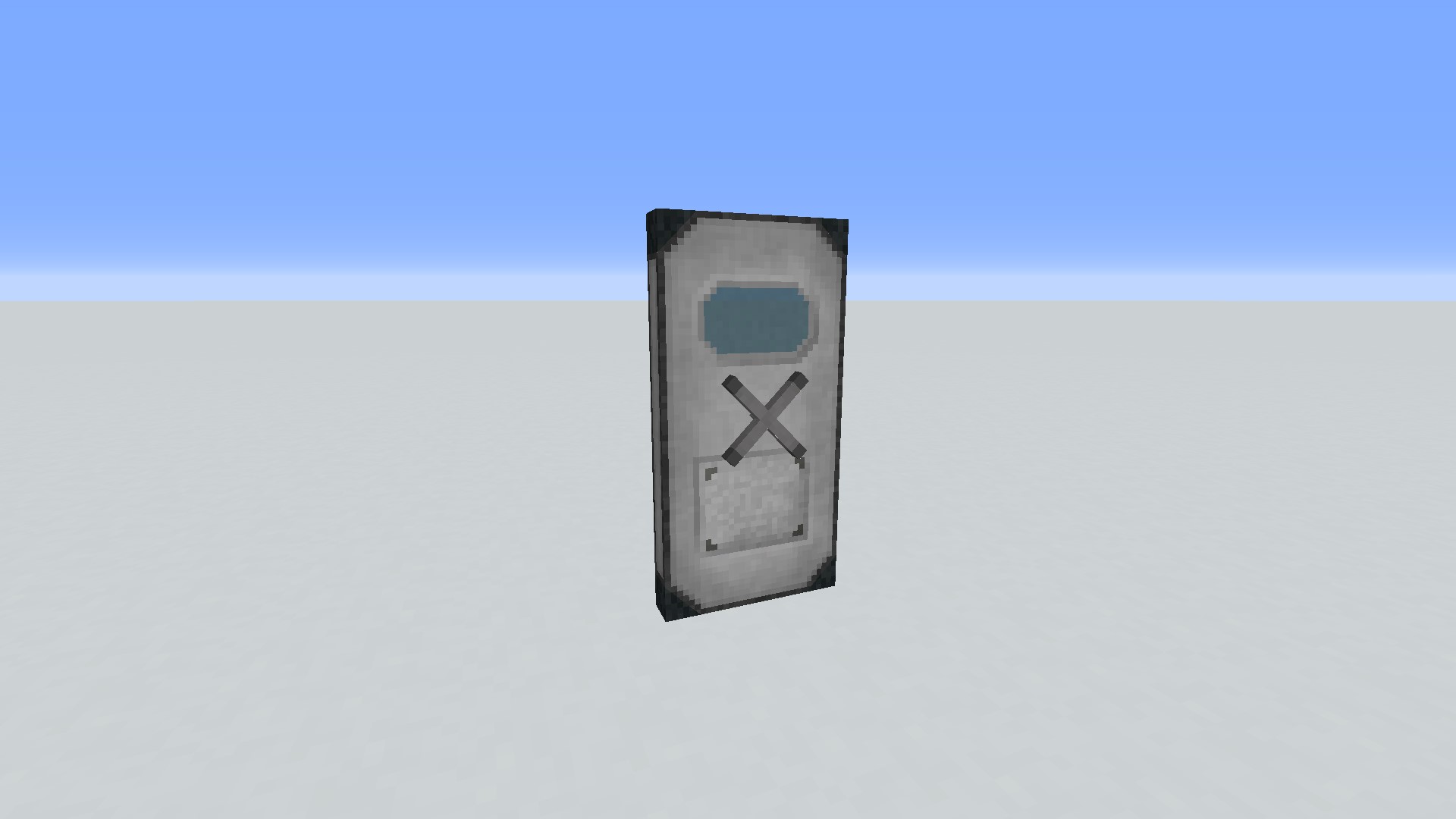
It cracks with 7 iron ingots:
The hatches
Minecraft wood hatches:
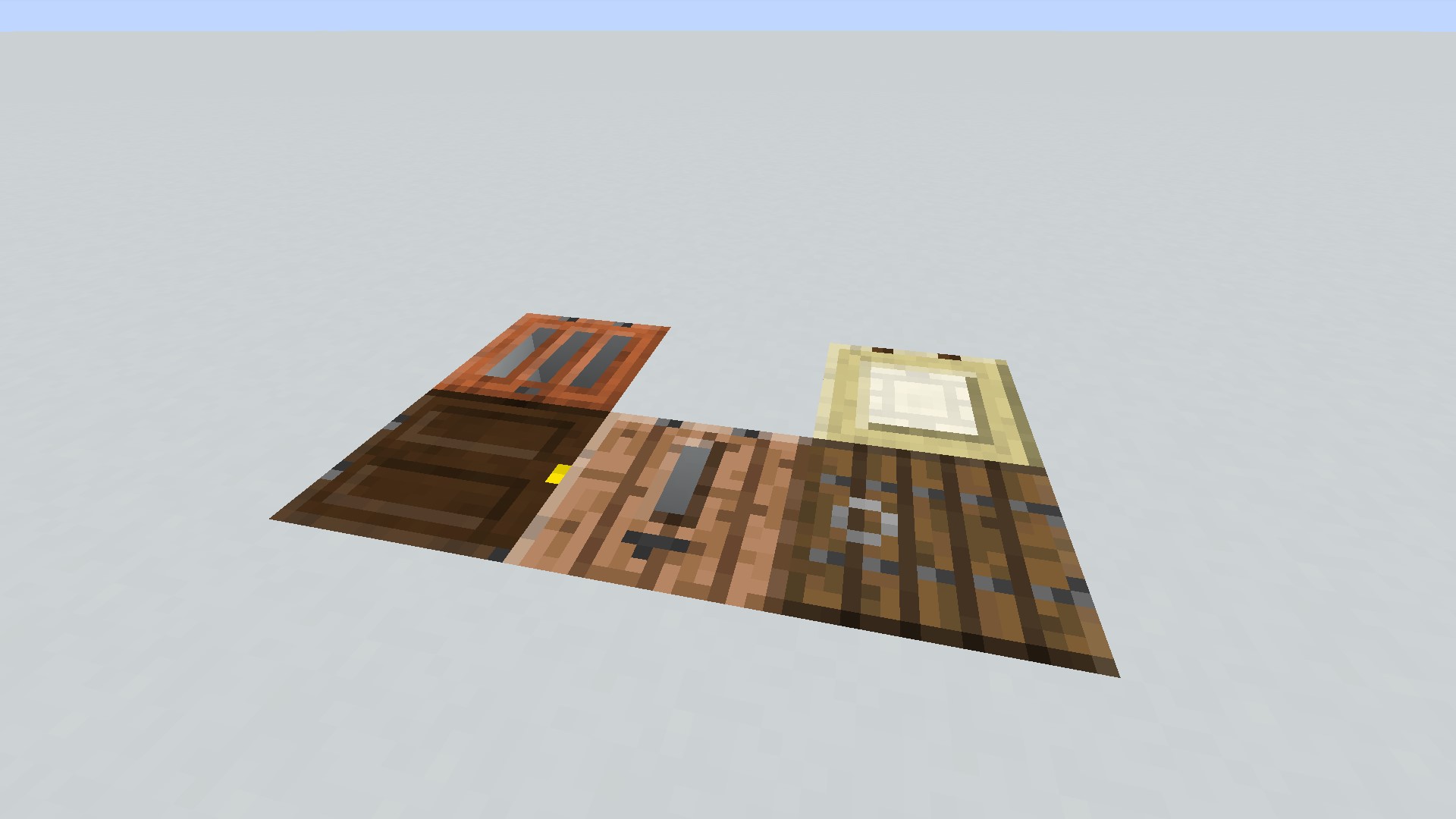
The creator of the mod made the mod before the 1.13 snapshot, which adds the trapdoor of all the woods, comes out.
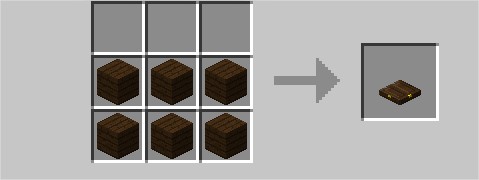
It is enough to change the wood of the 6 boards of the craft to obtain the different hatches:
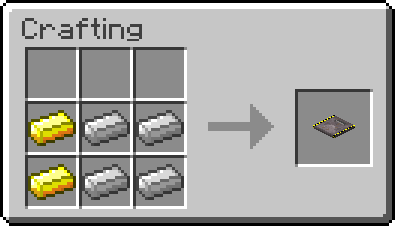
The Sliding Trapdoor will slide inside the block behind it.
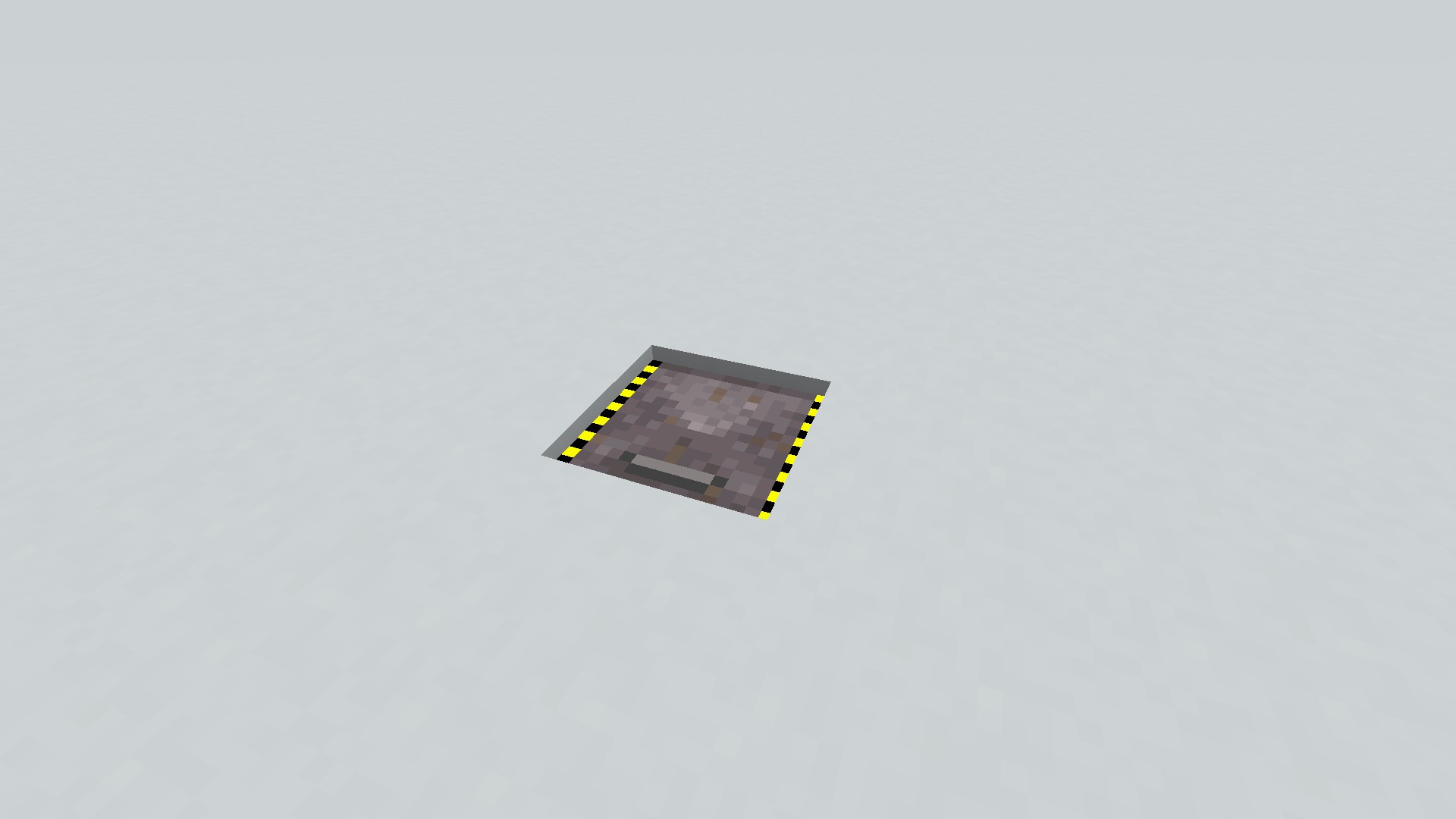
It cracks with 2 gold bars and 4 iron bars:
The gates
The vanilla wickets are the same, except the animation which is added to them.
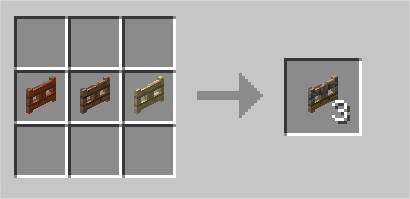
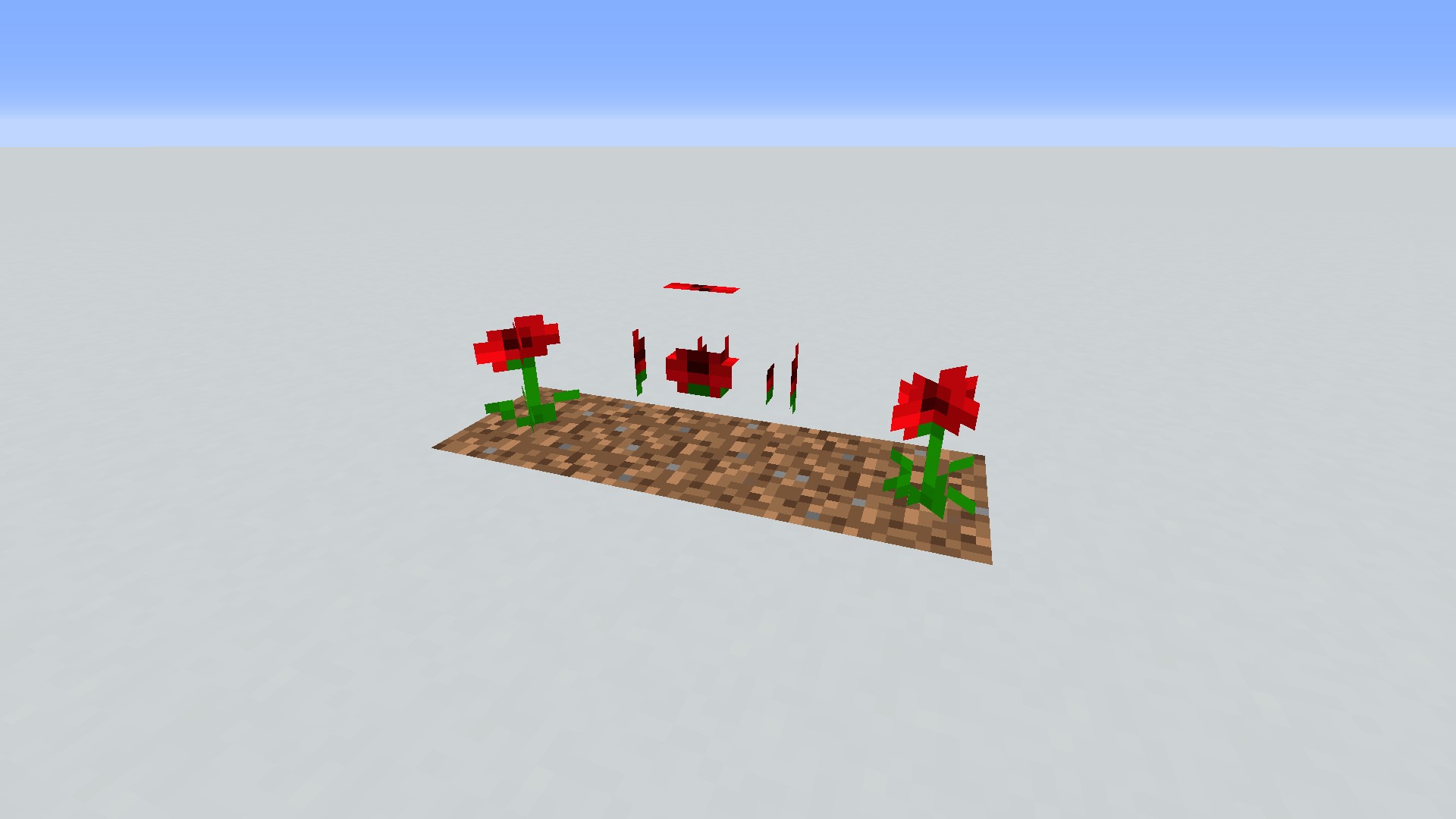
The camouflaged gate (Camo Fence Gate) is transformed in relation to the 2 blocks on its sides.
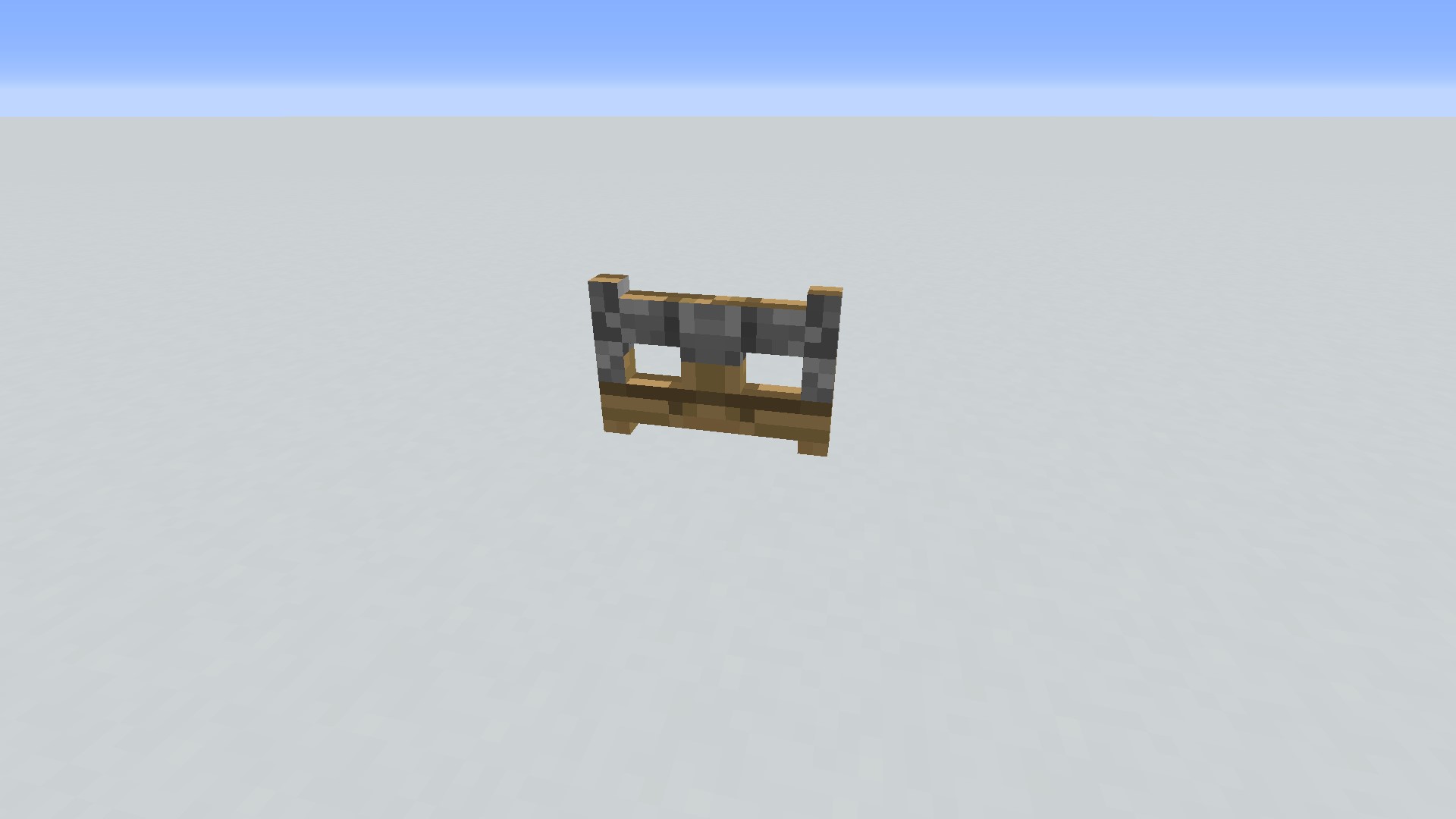
It breaks with one, one and one last:
Examples of camouflage:

- With redstone blocks:
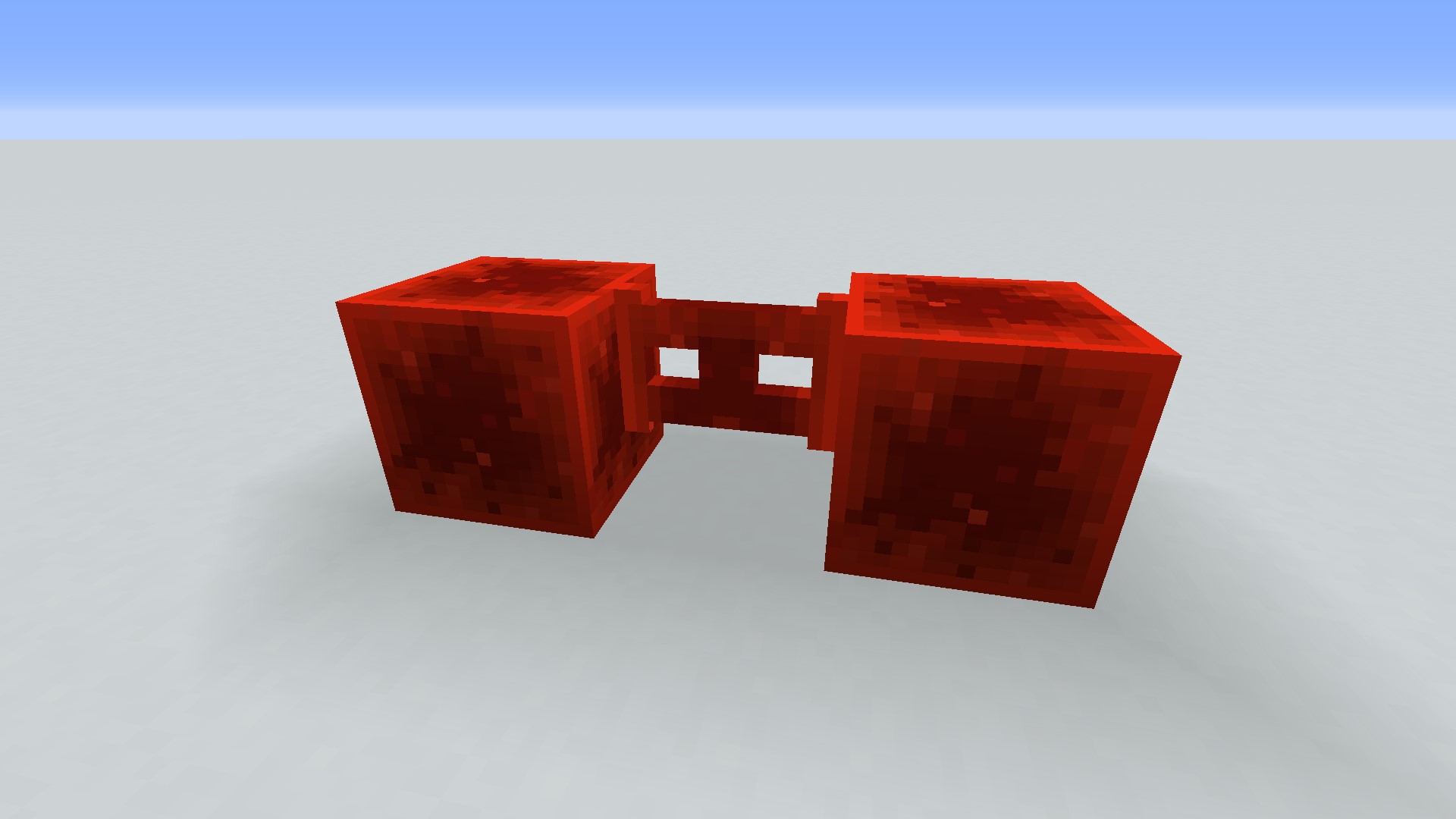
The Camo Fence Gate works with all posable blocks. Example with a rose, which gives a rather original result:
Special doors
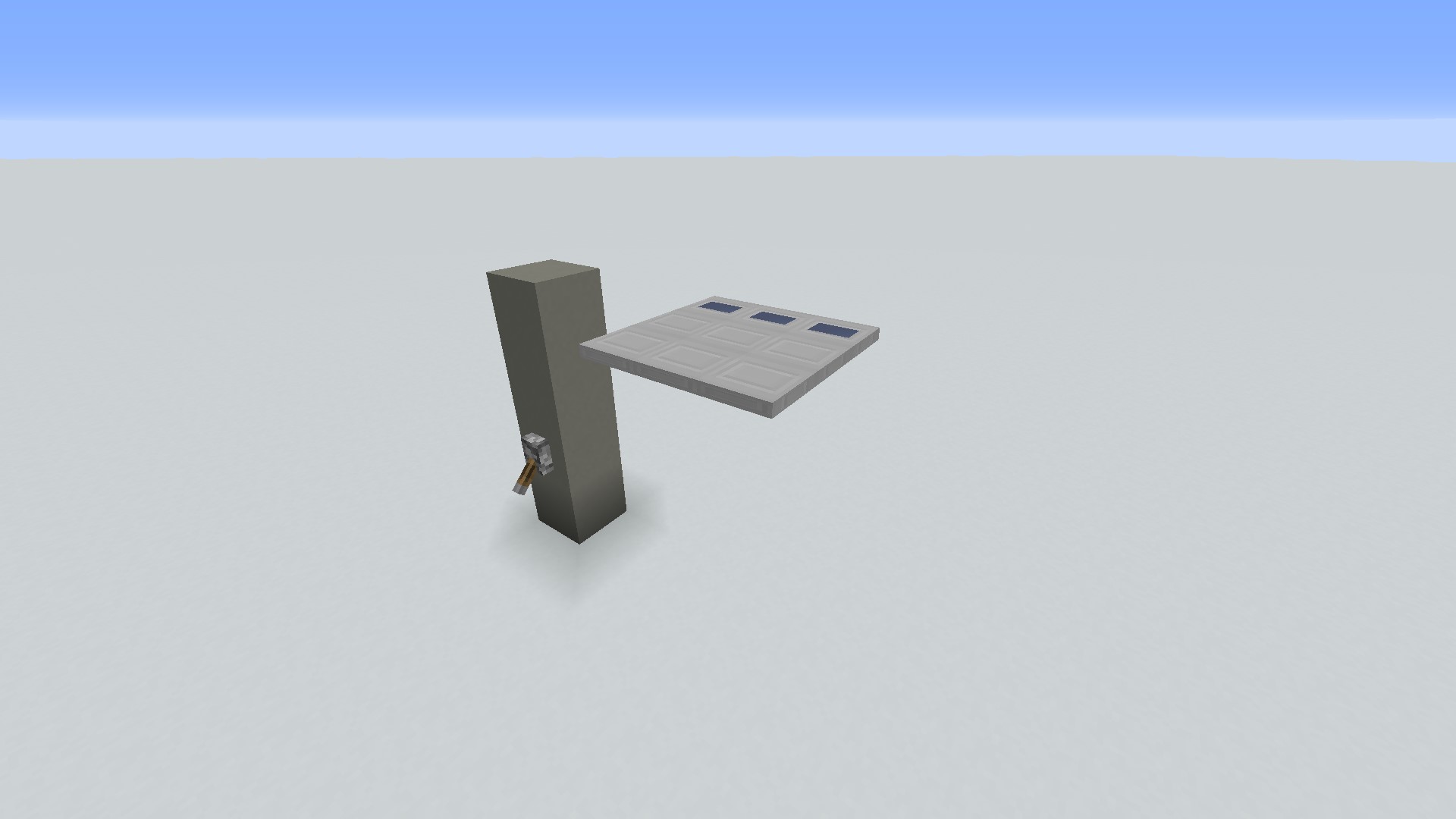
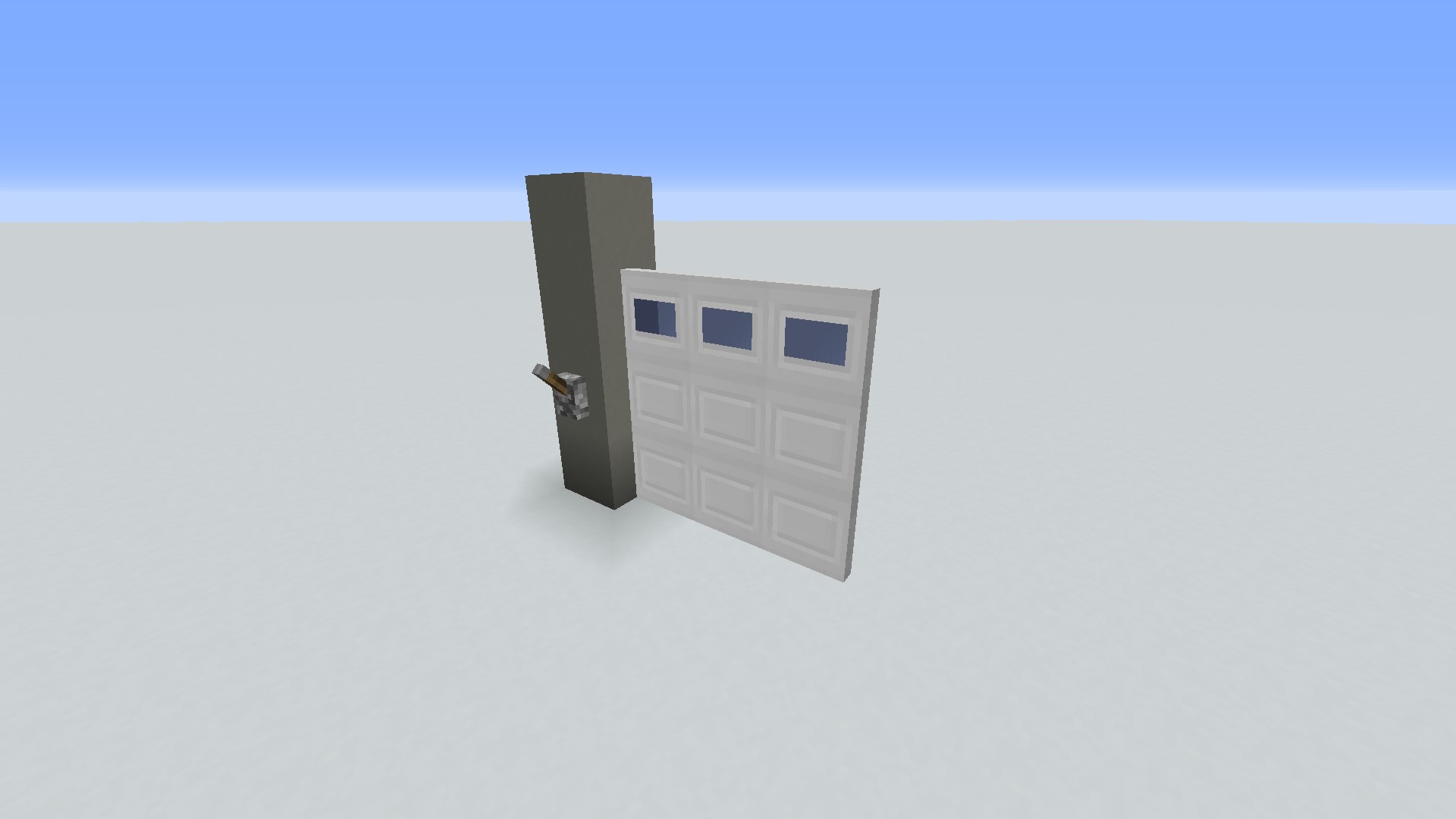
The Garage Door needs a redstone signal to open.
Opened:
closed:
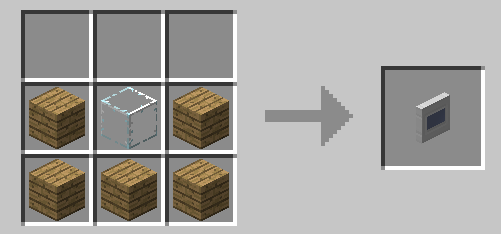
When you crack it, you get a piece of the door. Assemble them in the size you want. The craft is done with 5 boards and 1 block of glass:
The next two doors unfortunately have no craft.
The carriage door (Carriage Door) on the left and the medieval door (Medieval Door) on the right:
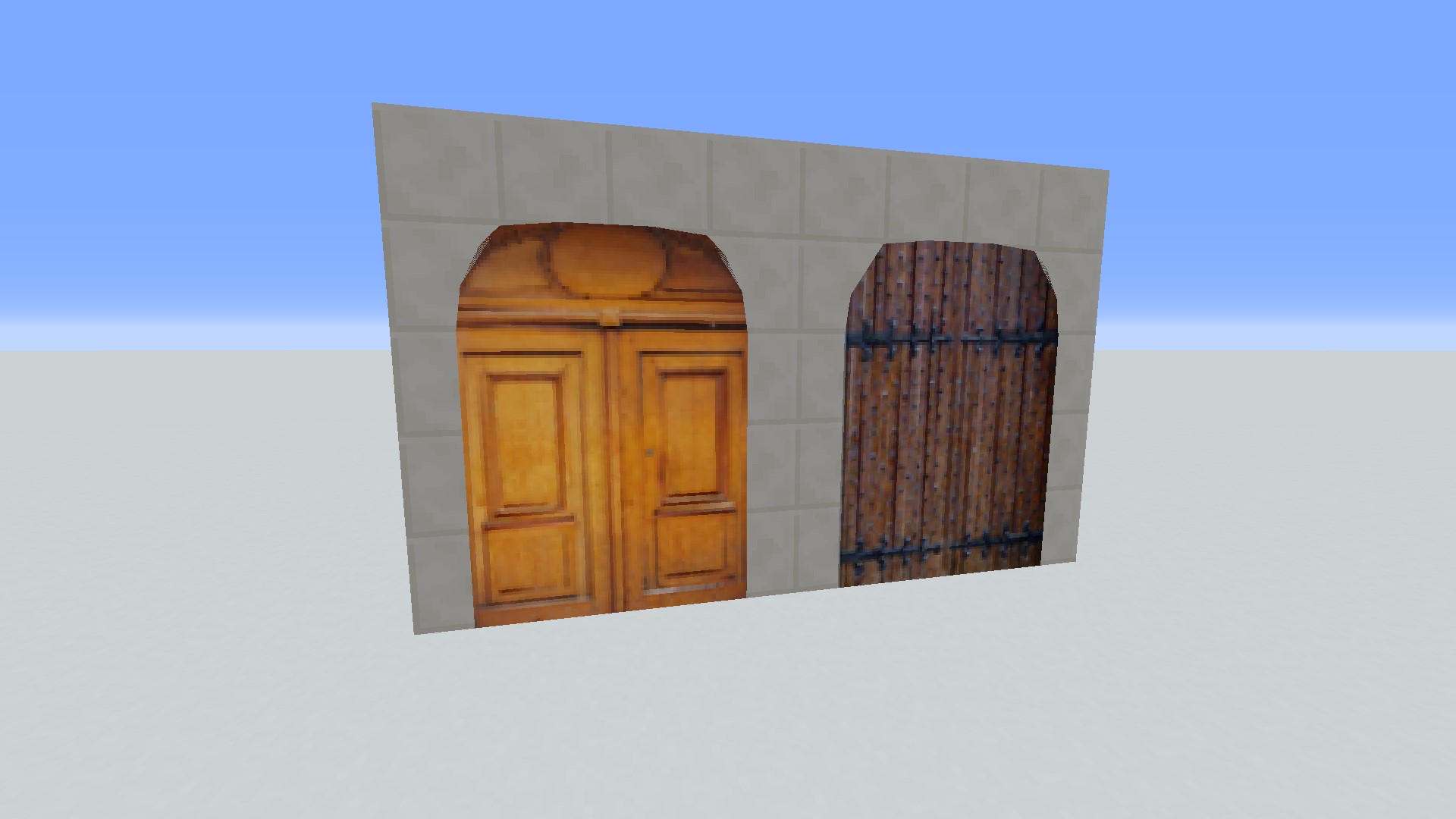
Both are very large (5 blocks high) and make a loud noise when they open.
Large Double Doors:

The crafts are the same between each door, just change the material (4 wooden doors or 4):

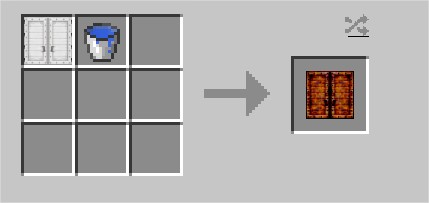
There is also a rusty one (Large Rusty Iron Double Door):
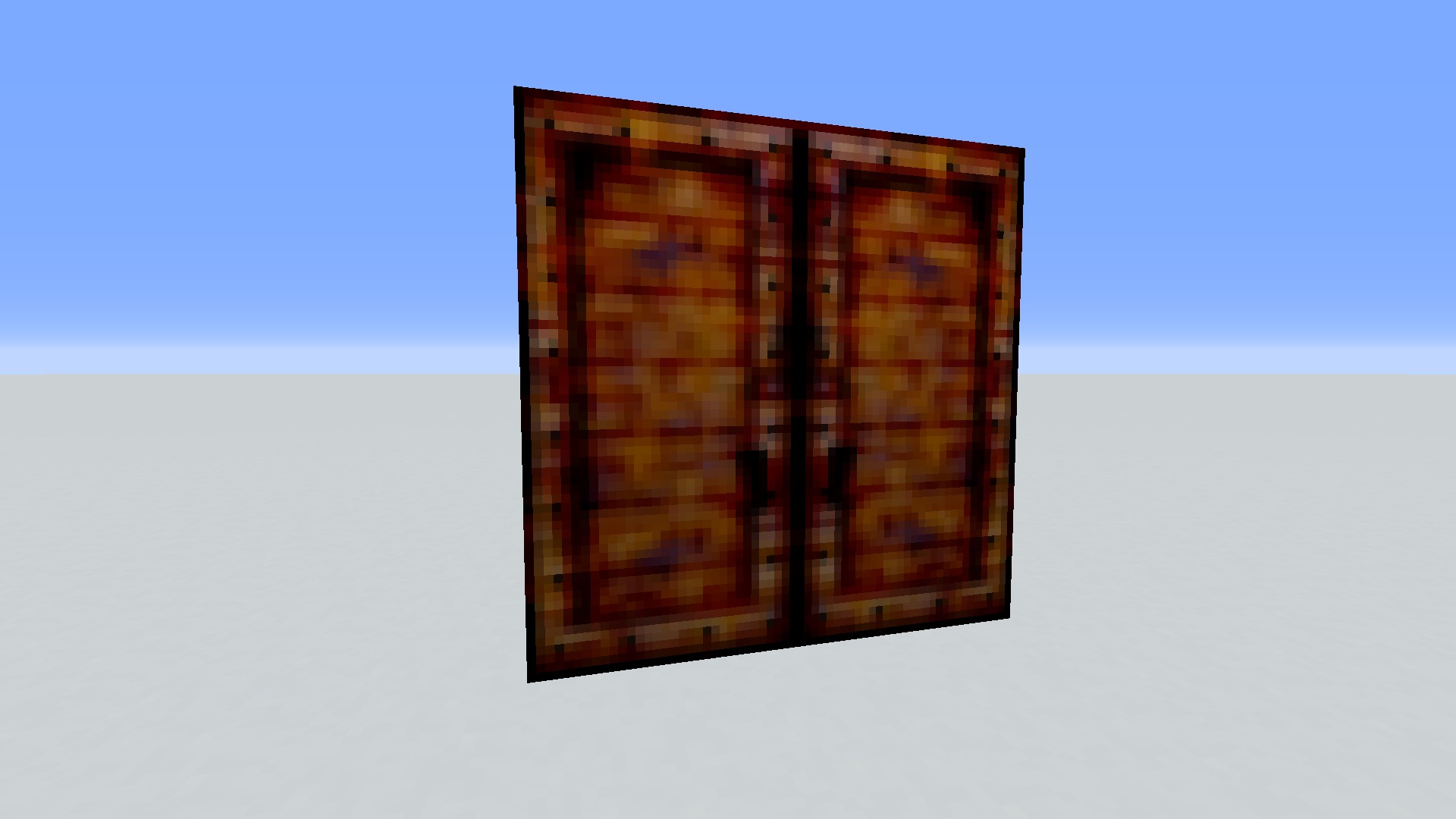
For the crafter, you need 1 and a Large Iron Double Door:
The rusty hatch, with an opening similar to the Reinforced Door. On the opposite side from where the hatch opens, there are rusty ladders to be able to go up.
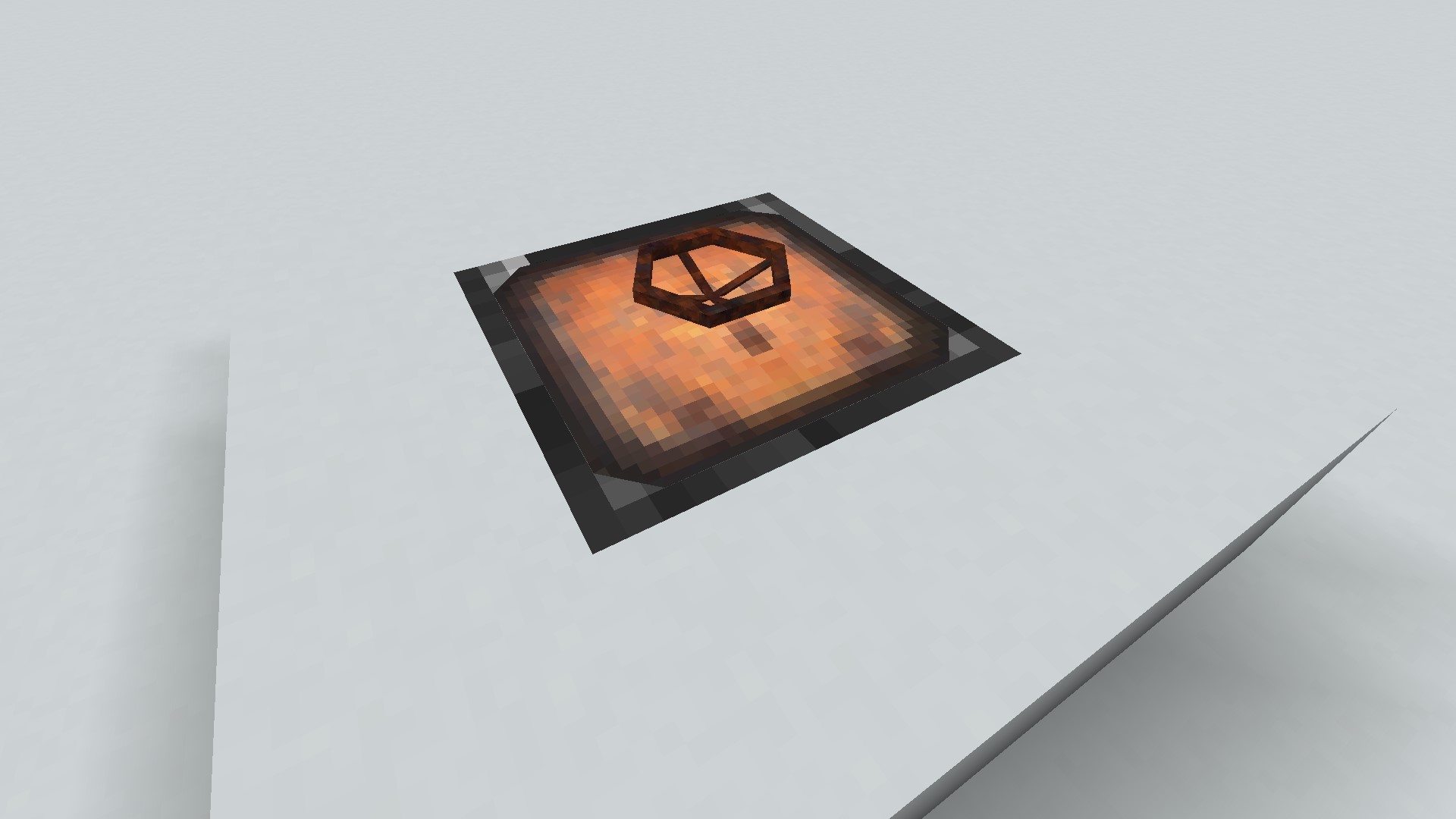
The Rusty Handle, necessary for crafting the rusty hatch, is created with 4 iron ingots:
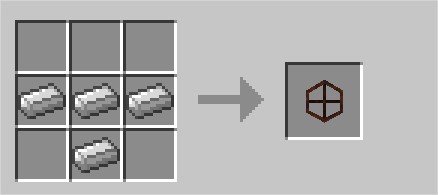
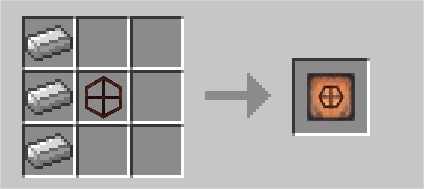
The Rusty Hatch is cracked with 3 iron ingots and the Rusty Handle:
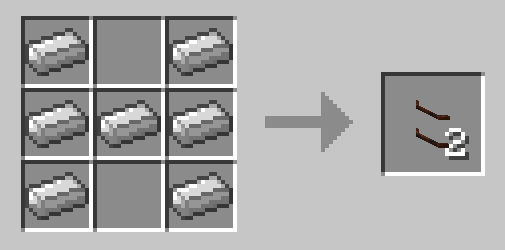
Rusty Ladders, obtainable in 2 copies from 7 iron ingots:
The futuristic door (High-Tech Door), opening wide on the sides.

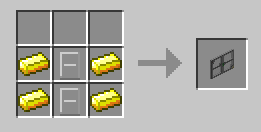
It can be crafted with 2 Iron Glass Doors and 4 gold bars:
The Forcefield Controller:
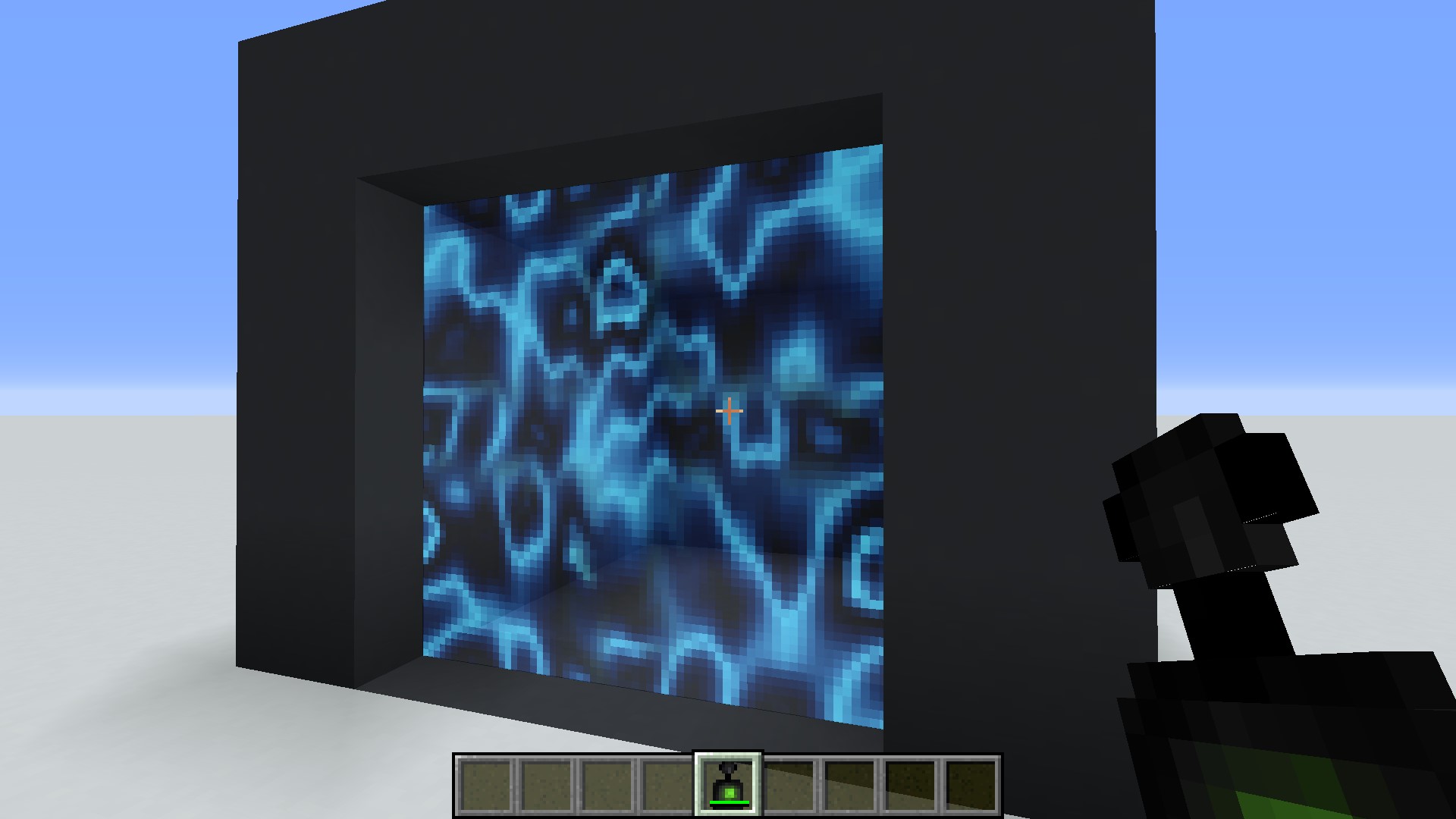
Nothing can pass through the forcefield.
to install it you must select a 2D area by clicking on the 2 ends of the latter. To open / close the force field you must right click with the Forcefield Controller which is crafted with 1, 1, 1, 2 and 4:

Door customization
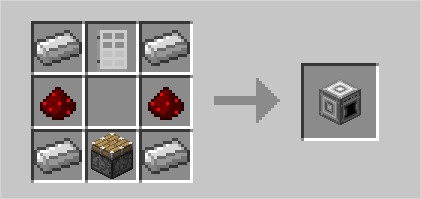
We need the tool to create personalized doors, from the blocks of our choice, the Door Factory:

It cracks with 1 iron door, 1, 2 and 4 iron ingots:
We go to the interface: there are three tabs that give you different options.
The first tab concerns the technical options of the door
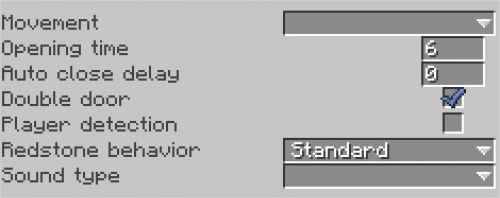
Movement is the type of movement (upwards, slides, splits in two …).
Opening Time is the time for the door to open.
Auto Close Delay is basic at 0 but you can increase it. The door will close automatically after the time set in place of 0.
Double Door is set if you want that when 2 of your doors are side by side, they open at the same time.
Player Detection is a player detector: if a player is close to 2 blocks it opens. Remember to put an Auto Close Delay so that it closes by itself.
Redstone Behavior is a selection of means for opening (by hand, redstone …)
Sound Type is the selection of the sound the door makes when it opens.
- The second tab concerns the door materials

Frame Type: put the block you want to put for the outline.
Top Block: this is the block for the top of the door.
Bottom Block: this is the block for the bottom of the door.
For the example below, I took blue, white and red concrete.
- The third tab allows you to put a code on the door
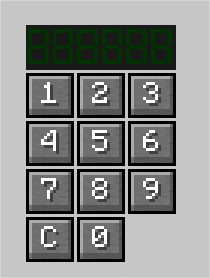
Just enter the code you want in this tab. Whenever someone wants to open your door, they will have to enter this code.
Once the door is finished, click on Create Door, and get it:


To finish this presentation, here is a video allowing you to see each door with its sounds and animations:
Don’t forget to put MalisisCore for the mod to work well;)

EmoticonEmoticon